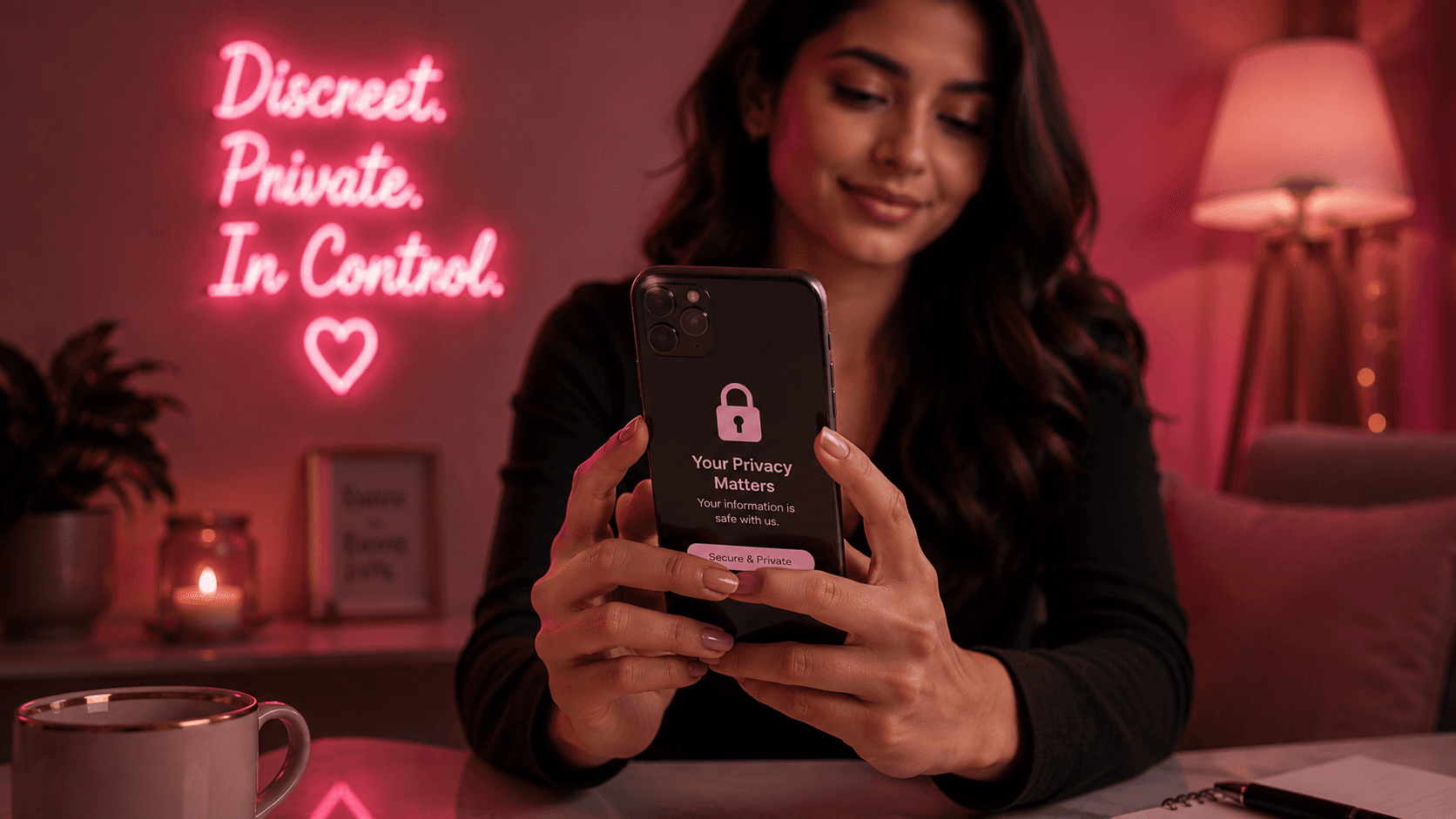
Your privacy is yours to control.
Working discreetly means deciding exactly who knows what about you — and keeping it that way. You do not have to share your real name, your home address or anything else you are not comfortable with. This guide walks you through simple, practical steps to keep your personal identity private and firmly in your control.
What Stays Private, and What You Control
You get to decide how much of the real you is ever visible. These are the details most people choose to keep separate:
- Your legal name — a working name is completely normal
- Your home address and the area you actually live in
- Your personal phone number and everyday messaging apps
- Your face and any identifying features in photos
- Your bank details and how you are paid
The Layers of Your Identity to Protect
Privacy is easier when you think of your information in separate layers — and guard each one on purpose:
Your Legal Identity
Your real name, date of birth and any documents. Share these only with verified employers or platforms when there is a genuine, lawful reason — never with clients.
Your Contact Details
Set up a separate work phone number, email and messaging profile. Keep them completely apart from your personal accounts so nothing links back to the real you.
Your Location
Avoid naming your exact area, local landmarks or your commute. Turn off location tags on photos and posts so no one can piece together where you live.
Your Privacy Checklist
Employers typically look for:
- Choose a working name and use it consistently
- Set up a dedicated work phone number or SIM
- Create a separate email address for all work matters
- Use a private messaging app for client contact only
- Turn off location and metadata on your photos
- Review and lock down your personal social media privacy settings
- Decide in advance what you will never share, and stick to it
- Consider a separate bank account for work income
Why It Matters
- Stay safe and reduce the risk of unwanted contact
- Keep your two worlds completely separate
- Feel calmer and more in control at work
- Protect friends, family and your wider life
- Control who ever sees your face or real details
- Build a professional profile on your own terms
Tips for Staying Private
- Never share your real name or home address with clients
- Check photos for reflections, backgrounds and location tags before posting
- Use a password manager and strong, unique passwords for work accounts
- Do not reuse profile photos that also appear on your personal accounts
- Search your own working name occasionally to see what is public
- Trust your instincts — if a request for personal details feels wrong, say no
Staying in Control of What You Share
You are never obliged to hand over personal information, and a respectful employer or client will understand that. If someone pressures you to reveal your real name, your address or where you live, treat it as a red flag and step back.
Only share identity documents through verified, trusted channels when there is a clear, lawful reason — for example, age or right-to-work checks with a legitimate employer — and never with a client. Keep a written record of what you have shared and with whom. If your privacy is ever compromised, our Safety Centre has step-by-step guidance and support to help you regain control.
Frequently Asked Questions
Do I have to use my real name?
No. Using a working name is standard, safe and completely accepted in the industry. Keep your legal name for verified employers or lawful checks only — never share it with clients.
How do I keep my phone number private?
Set up a separate work number using a second SIM, a dual-SIM phone or an app that provides a virtual number. Keep it strictly for work so nothing links back to your personal life.
What should I do if my privacy is compromised?
Stay calm and act quickly. Change any exposed passwords, review your privacy settings, and keep evidence of what happened. Visit our Safety Centre for detailed steps and support, and report the issue to the platform involved.
Ready to take control of your privacy?
Visit our Safety Centre for practical tools and guidance to keep your identity secure.